Google Business Profile for jewellery shops: a simple setup guide
Show up when people search “jewellery shop near me”.
Updated 7 October 2026 · 3 min read
Claim your free Google Business Profile, choose “Jewellery store” as the category, add your exact address, phone, timings and clear photos, use your shop rate page as the website link, post your gold rate poster as an update, and ask happy customers for reviews. Keep everything up to date.
Why it matters
When someone searches “jewellery shop near me” or your shop’s name, Google shows your profile with a map, phone and reviews. It is free and it brings walk-in customers.
Set it up
- Go to Google Business Profile and search for your shop. Claim it, or add it if it is not there.
- Category: Jewellery store.
- Add address, phone, WhatsApp and opening hours (including holiday hours).
- Add 10 or more clear photos — outside, counter, collections, team.
- Website: use your shop rate page link so searchers can see today’s rate.
Make today’s poster in 30 seconds
Your logo and phone number are already on it. Free to start, no card.
Keep it active
- Post your gold rate poster as an update a few times a week (square size works well).
- Ask every happy customer for a review — a simple WhatsApp message with your review link.
- Reply to every review politely, within a day or two.
- Add new photos every month.
Mistakes to avoid
- Wrong phone number or old timings
- Keyword-stuffed shop names — Google can suspend these
- Fake reviews — never buy them
Questions
Is Google Business Profile free?
Yes, it is free.
Can I put my gold rate on Google?
Yes — post your poster as an update, and use your shop rate page as your website link so people always see today’s rate.
Try JustGoldRates free
Type today’s rate, pick a design and share on WhatsApp. Need help? Message us — we reply in simple words.
Read next
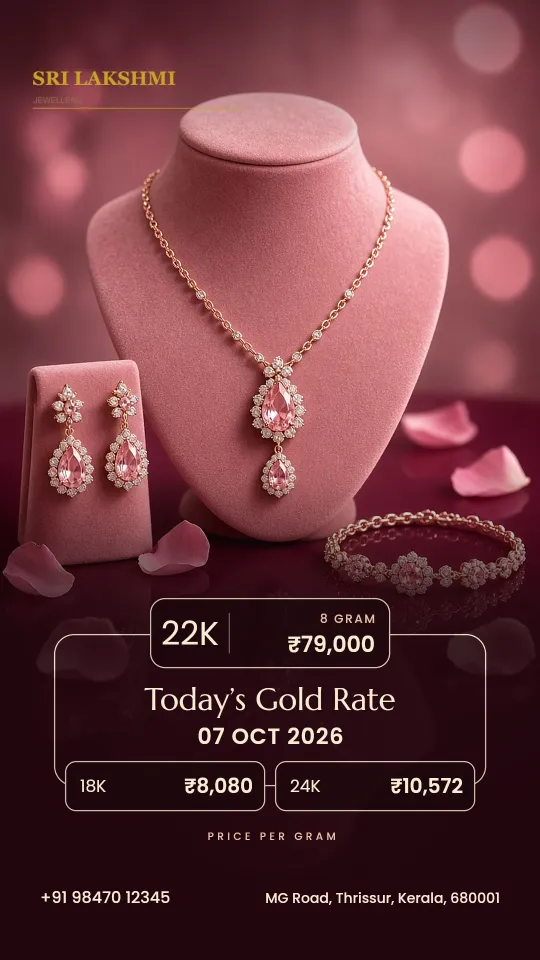
5 easy ways to share today’s gold rate with your customers
Your customers want the rate before they visit. Here are five simple ways to give it.
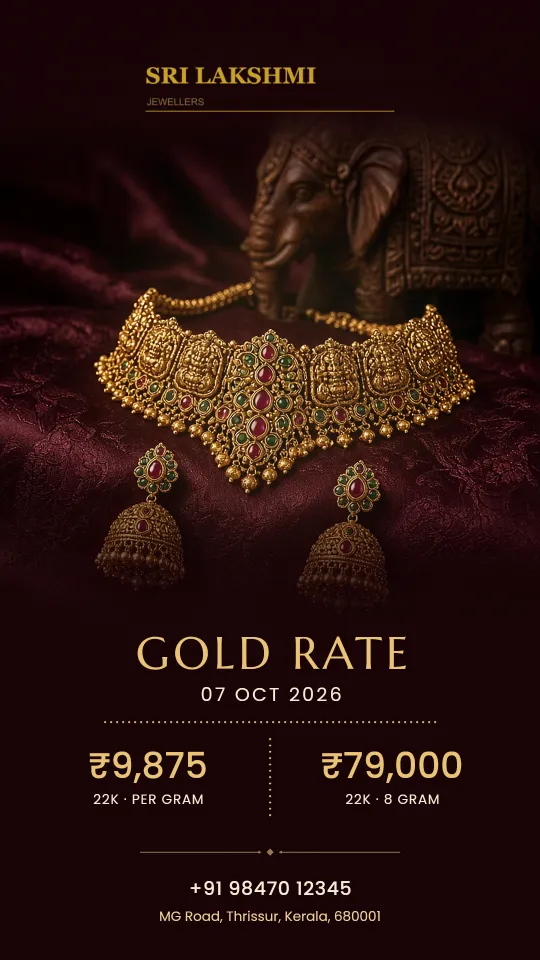
Jewellery shop marketing ideas that work in India (low cost)
Twelve simple ideas you can start this week, most of them free.
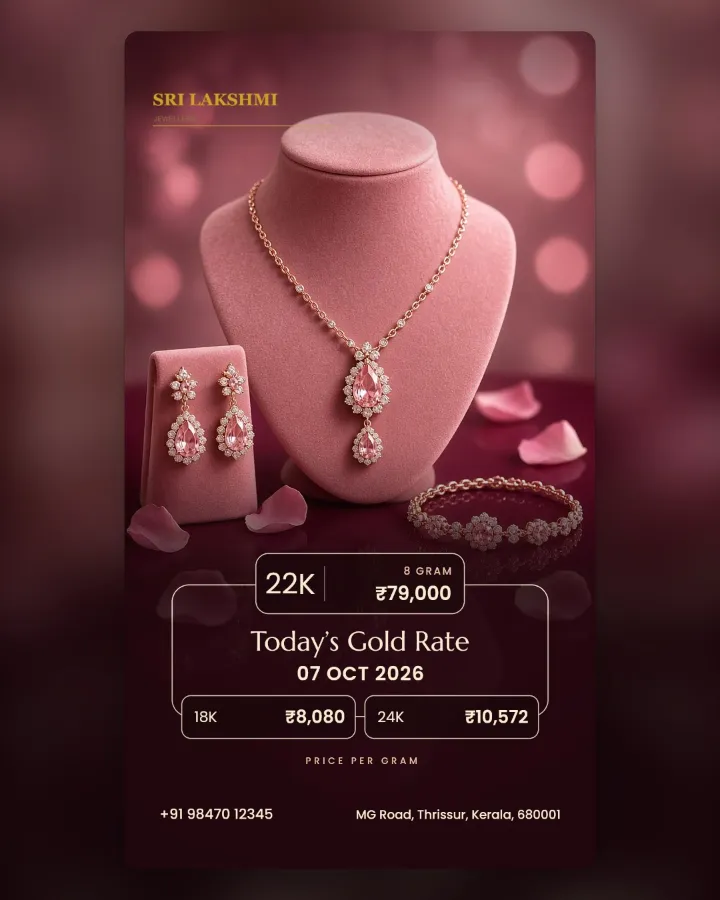
Instagram ideas for jewellery shops (with the right post sizes)
What to post, and the sizes that look right in the feed.