WhatsApp Business for jewellers: setup, catalogue and broadcasts
The free app most jewellers already have — used properly.
Updated 7 October 2026 · 3 min read
Install the free WhatsApp Business app, fill your profile (address, timings, website link to your rate page), add your best designs to the Catalogue, save Quick Replies for common questions like today’s rate, label chats (new enquiry, booked, delivered), send broadcasts only to customers who saved your number, and post your gold rate on Status every morning.
Set up your profile
- Shop name and logo
- Address and Google Maps location
- Timings
- Website: your shop rate page
- Short description: “BIS hallmarked gold, diamond and silver jewellery.”
Use the catalogue
Add your best 20–50 designs with weight and a starting price or “price on request”. Customers browse and send you the exact item they like.
Make today’s poster in 30 seconds
Your logo and phone number are already on it. Free to start, no card.
Quick replies and labels
- /rate — “Today’s gold rate: [link to your rate page]”
- /location — your map link
- /timings — shop hours
- Labels: New enquiry · Visit booked · Order placed · Delivered
Broadcast lists, the right way
Broadcasts reach only people who saved your number. Ask every customer to save it at the counter. Send useful messages — the rate, offers, new arrivals — not too often.
Status every morning
Your gold rate poster is the easiest daily Status. See 15 Status ideas.
Questions
Is WhatsApp Business free?
Yes, the WhatsApp Business app is free. The paid WhatsApp Business API is a different product for large-scale messaging.
Can I use my existing number?
Yes. You can move your number to the WhatsApp Business app; your chats can be kept with a backup.
Try JustGoldRates free
Type today’s rate, pick a design and share on WhatsApp. Need help? Message us — we reply in simple words.
Read next
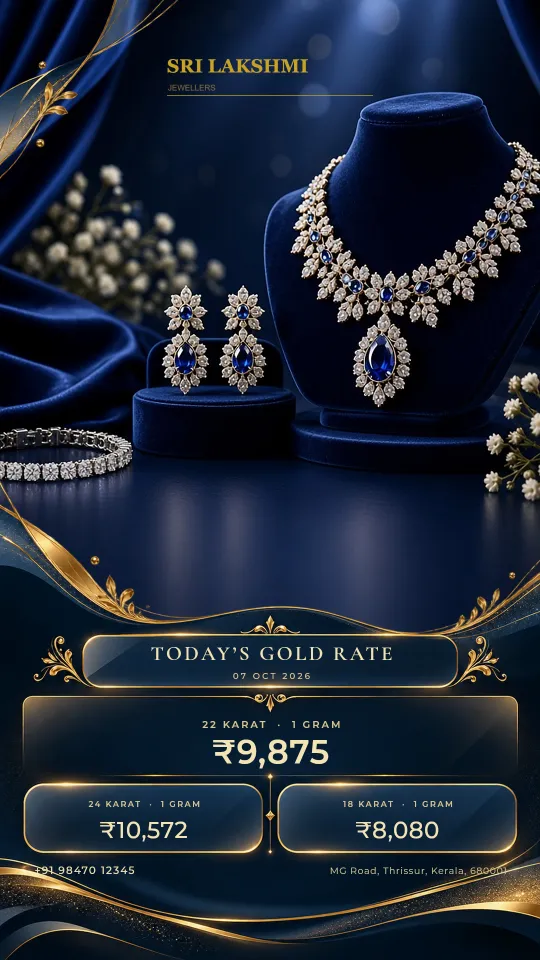
15 WhatsApp Status ideas for jewellery shops that bring customers in
What to post on your shop’s WhatsApp Status every day — with a simple weekly plan.
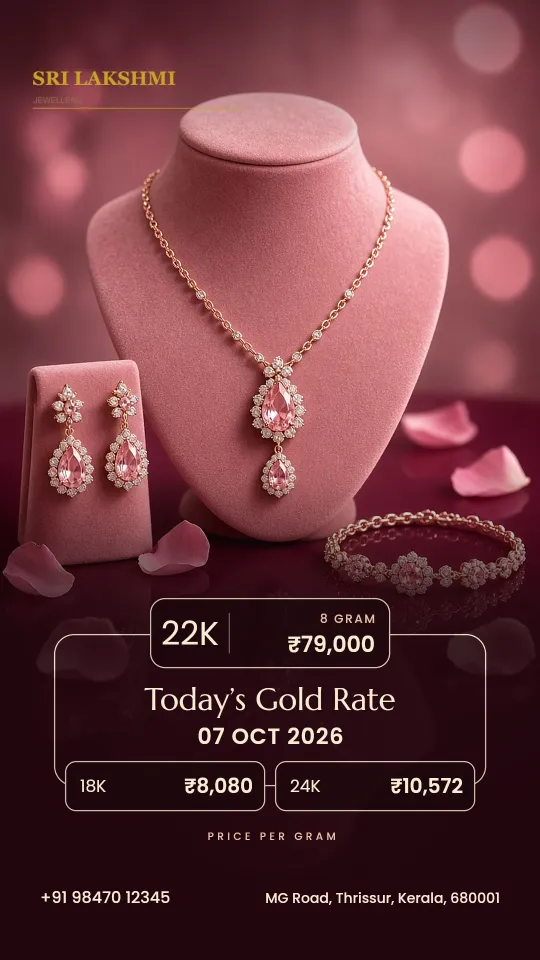
5 easy ways to share today’s gold rate with your customers
Your customers want the rate before they visit. Here are five simple ways to give it.
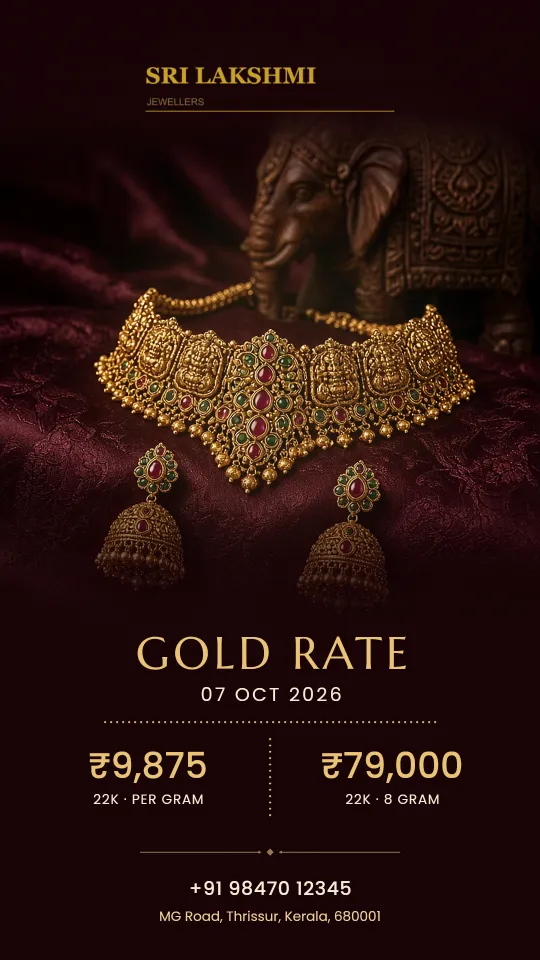
Jewellery shop marketing ideas that work in India (low cost)
Twelve simple ideas you can start this week, most of them free.